
 OGInvoice
Counting rental days
A wrong day count means a wrong charge.
Put the rental period, model, plate number and a daily or hourly rate. Add the Delivery Fee and other charges clearly.
A wrong day count means a wrong charge.
Delivery, GPS, deposit and late return fees need to be clear.
Some rent by the day, some by the hour.
Pick the start and end date and the number of days is shown on the invoice.
A Unit column (day or hour) and a matching rate heading.
Separate lines for delivery, add-ons and deposits.
A list of cars, add-ons such as GPS and child seats, and fees and deposits are prepared. You set the prices.
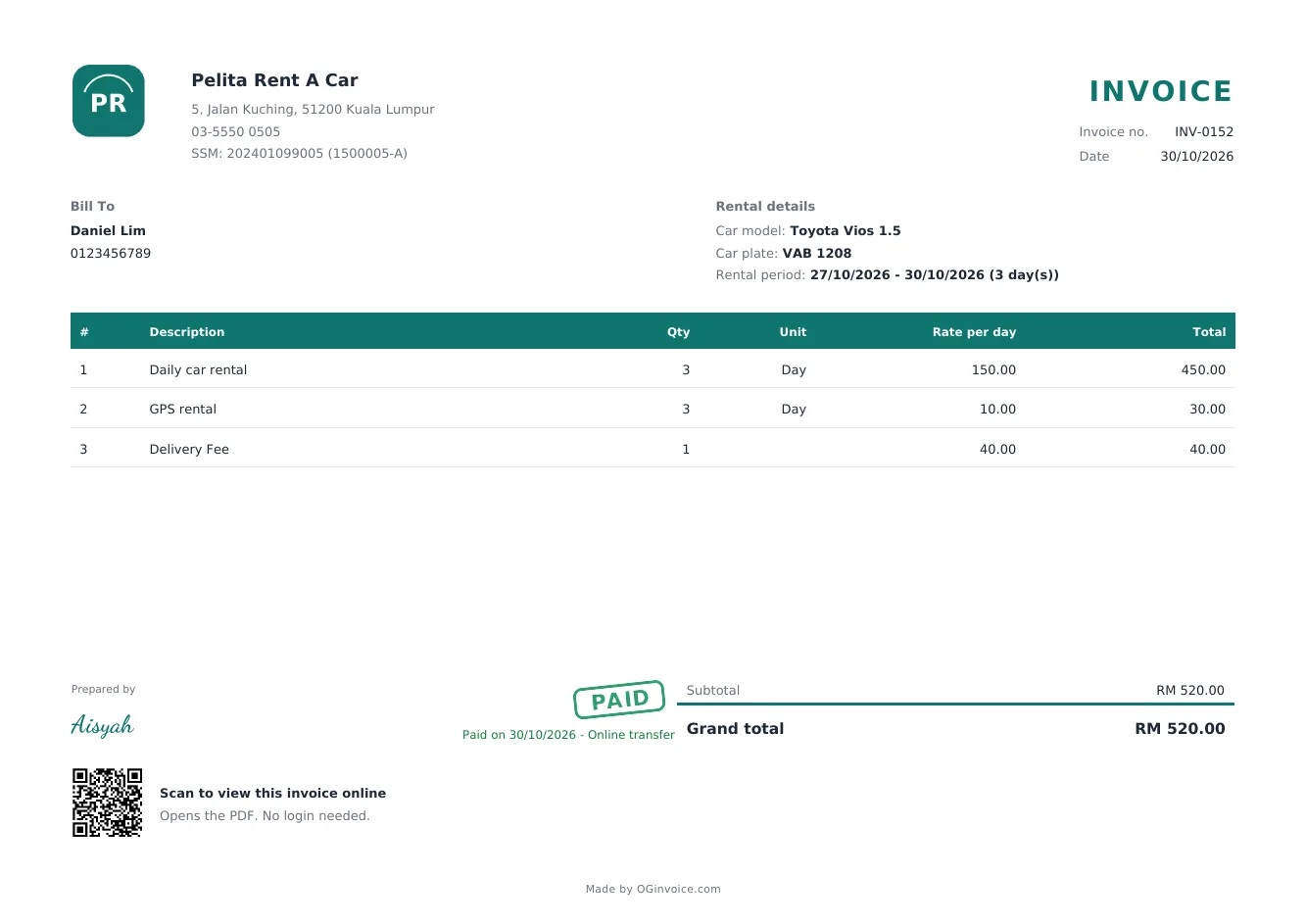

Screenshots and invoice examples use sample data. The shop names, customer names, phone numbers and other details shown are fictional and are not real business information.
Sign up with no credit card and make your first invoice today.
Sign up freeYes. You write the model and plate number of the rented vehicle.
Yes. Choose the hour unit for that rental line.
Yes, there is a Free plan: up to 80 invoices a month and 100 customers. The Pro plan gives unlimited invoices and customers, plus extra features.
No. OGInvoice runs in the browser on your phone or computer. You can add it to your phone's home screen so it is easy to open.